
Power your build
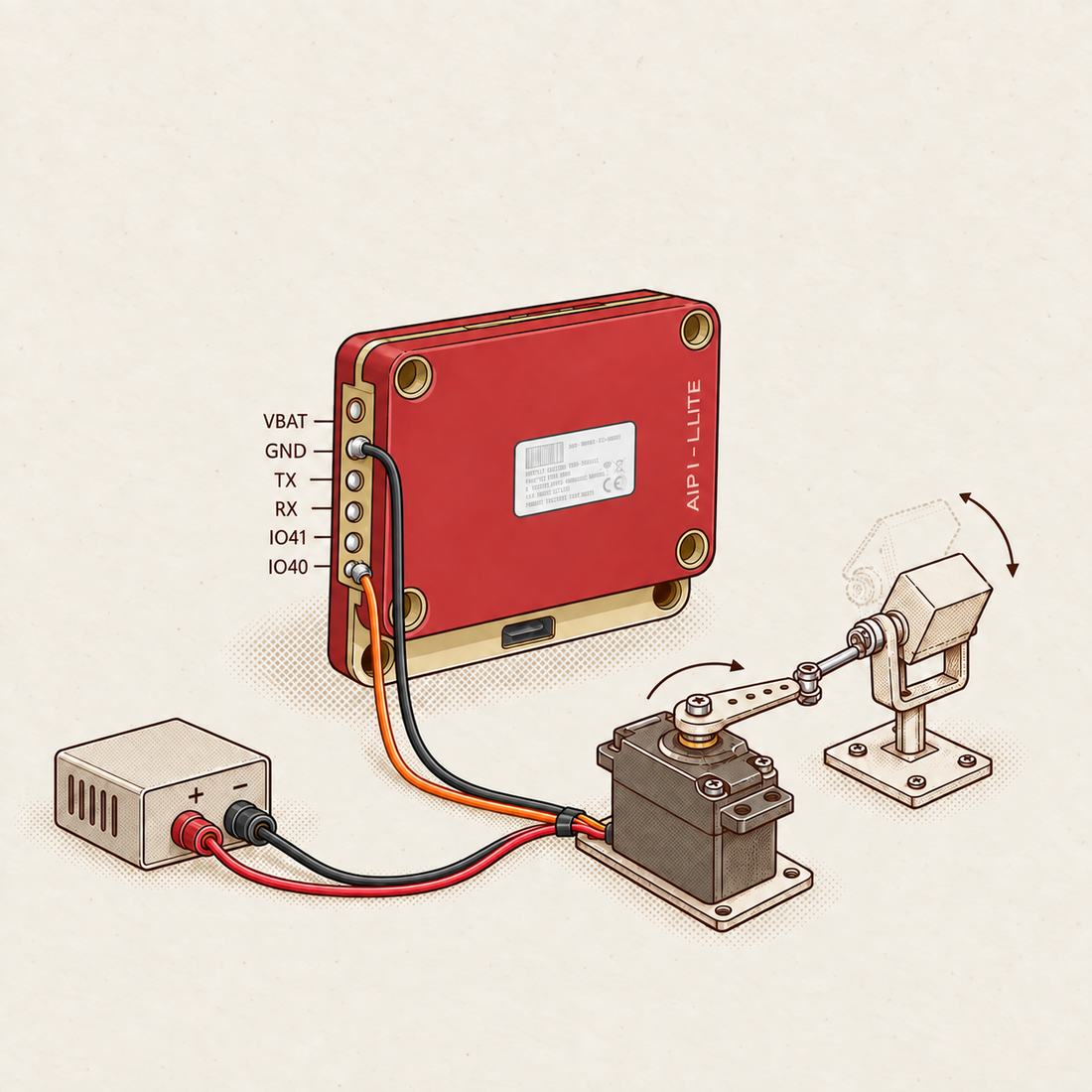
The power and ground contacts give your hardware a connection point. Follow the Moto wiring guide for supply limits; use an appropriate external supply and common ground for multiple servos.
 AIPI
AIPI
AIPI
AIPI
Start with AIPI’s built-in, cloud-powered conversation. Hack a toy, build a droid, or give a handmade prop its voice.
US$3 off with code TINKER · One use per customer.
Mic, speaker, screen & battery. Cloud AI conversation included.
 A character you could create
“Danger, old friend. Long time.”
Illustrative characters. Every color is yours to configure.
An old toy. A handmade character. Your next weekend build.
Start with AIPI Lite. Make it your own.

Illustrated build ideas. Each creation is paired with its own AIPI Lite.
The conversation system is built in. Your creation is up to you.
YOUR STARTING POINT

Mic · Speaker · Screen
YOUR TIME GOES HERE
Wi-Fi and initial setup required. Custom bodies and mechanisms are your build.
Find your kind of build. Explore more in the AIPI community.
 Retro ToysHack a toy. Give it a voice.By Kevin Heckart
 Characters & PropsBuild a prop with a story.By Kind Robo Cartel
 AnimatronicsBuild the mechanics. Add motion.By The Mad Builder
 Droids & RobotsBuild a droid with personality.By RadioactiveArt
Explore more builds, cases and guides from the AIPI community.
Explore all community projectsSix labeled contacts. Four PWM channels. Your next idea.
Turns the signal into motion
Motion ideas you can build

The power and ground contacts give your hardware a connection point. Follow the Moto wiring guide for supply limits; use an appropriate external supply and common ground for multiple servos.
In Moto Studio, TX maps to CH4 and RX maps to CH3. Together with IO40 and IO41, these provide four PWM control channels for your build.
IO40 maps to CH1 and IO41 maps to CH2. Design a nod, a turn, or another servo gesture in Moto Studio, then connect the matching signal channel to your mechanism.
Check the wiring guide before connecting power.
Pick what sounds fun. One rung can be the whole project.
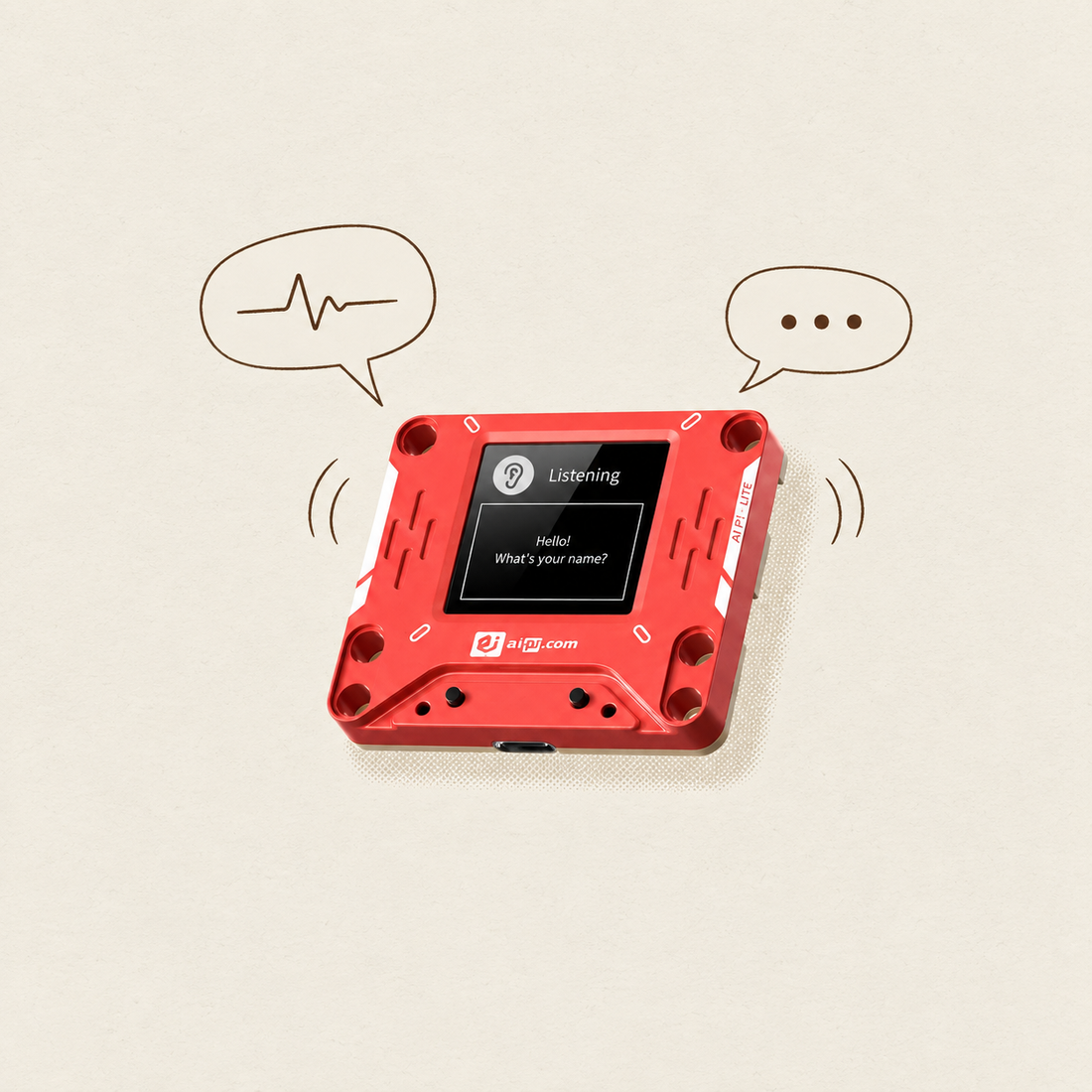
Connect to Wi-Fi, choose a character, and start talking.
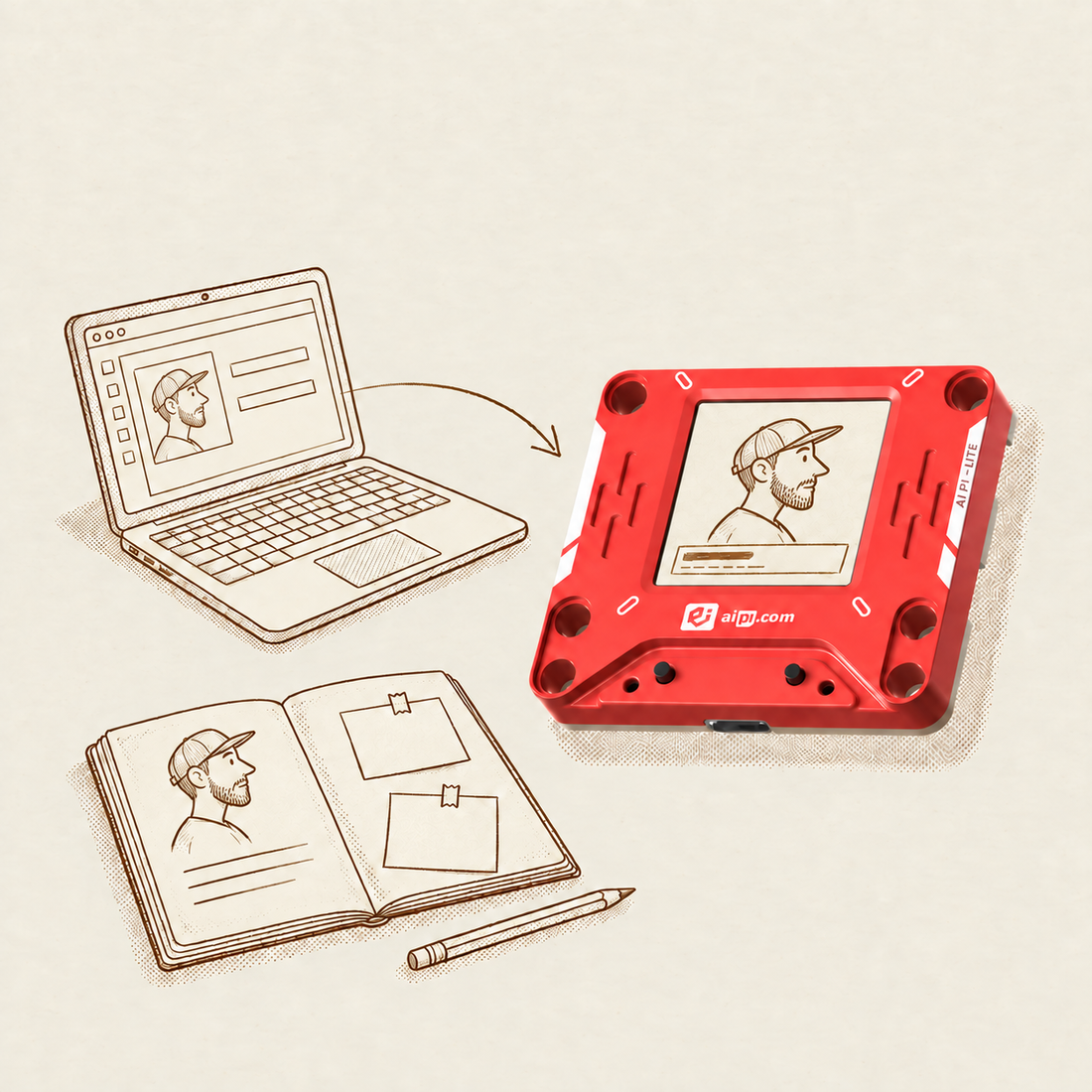
Give it a personality, a backstory, and a world of its own.
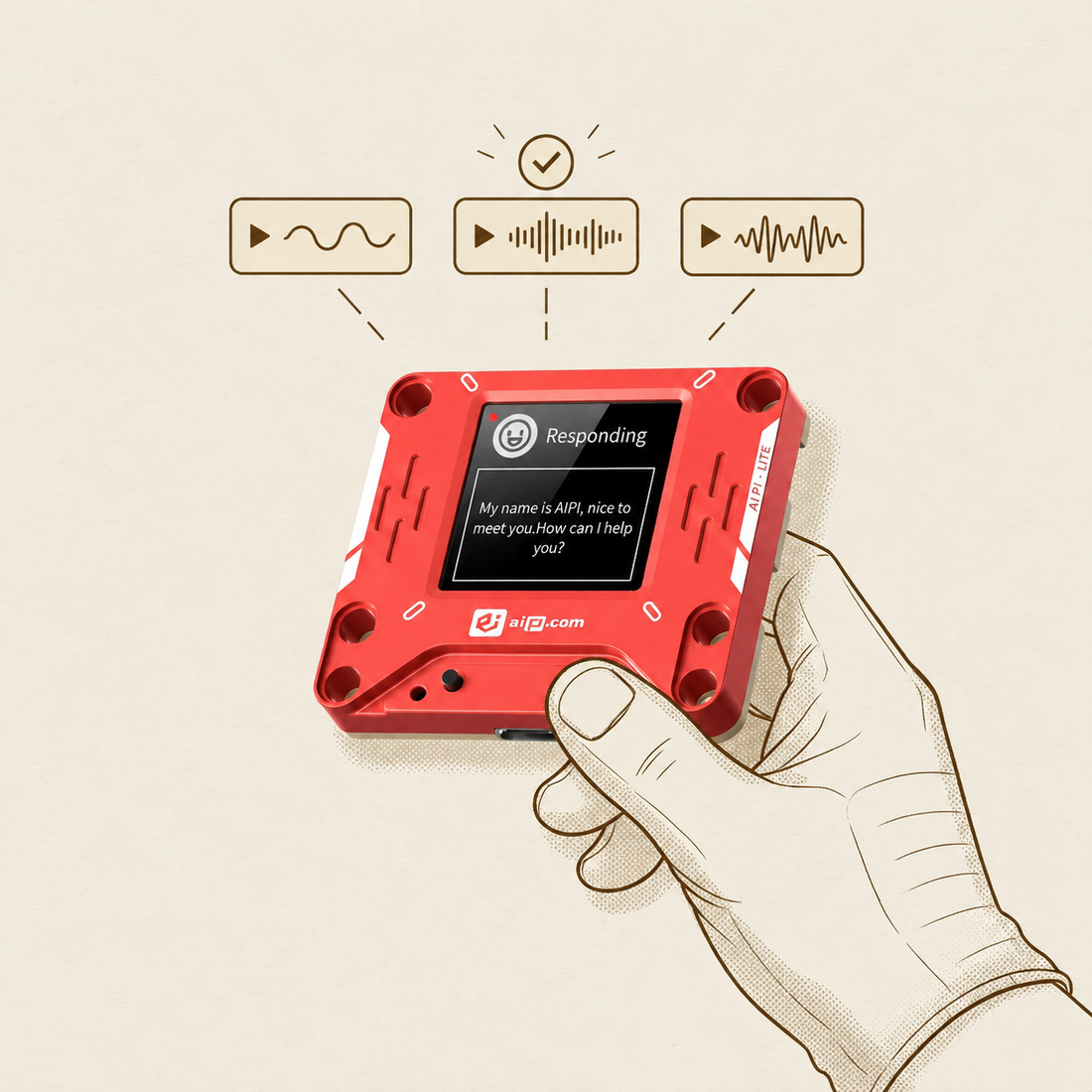
Pick a voice that sounds like your character.
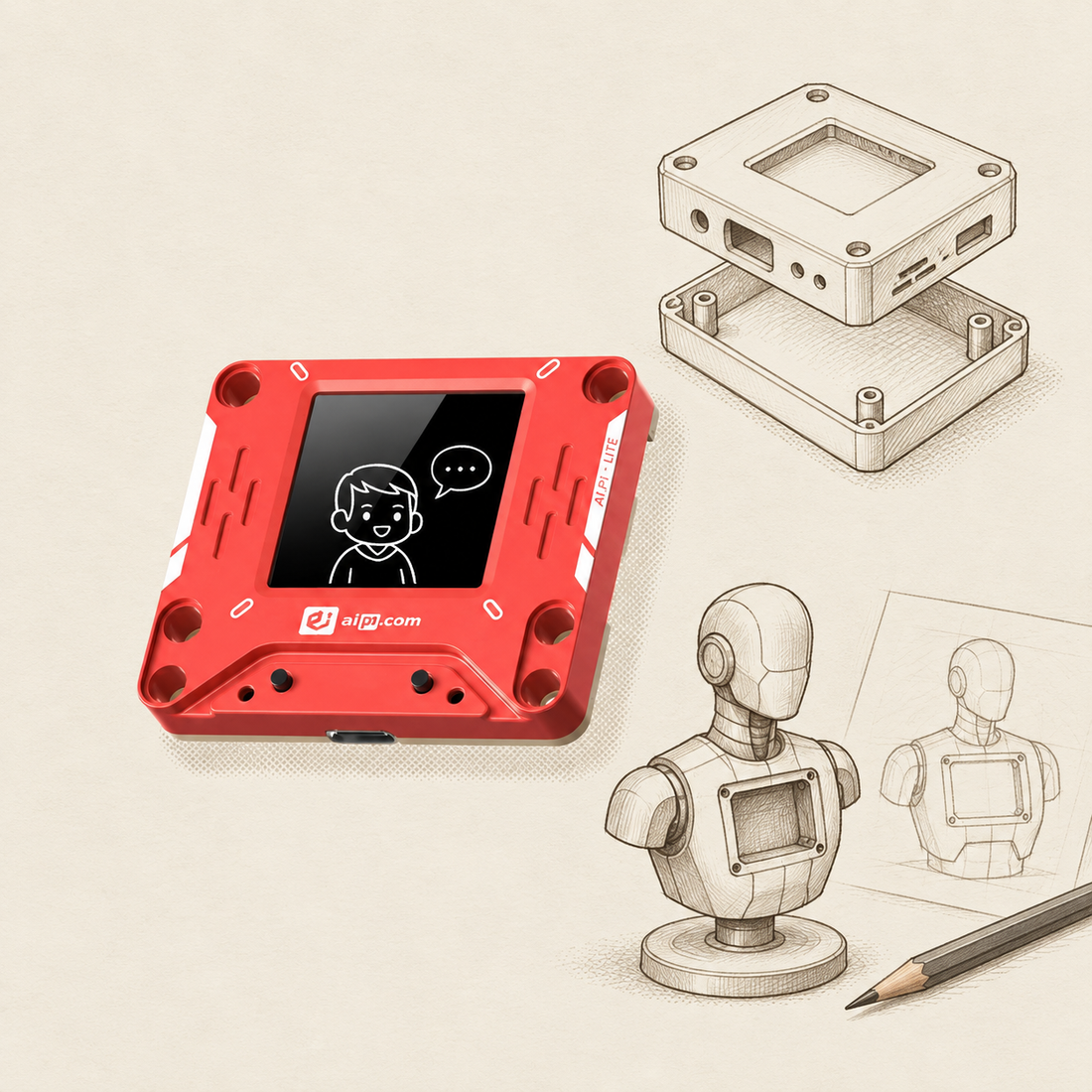
Make a shell, a stand, or something wonderfully weird.
Add servo gestures with Moto Studio.
Swipe to explore all five →
By Kevin Heckart · Paid AIPI partnership
Watch the full build Watch on YouTube ↗By The Mad Builder · Three-part guide
Set up a character Upgrade the speakerOptional modification · Soldering required Add movement Watch on YouTube ↗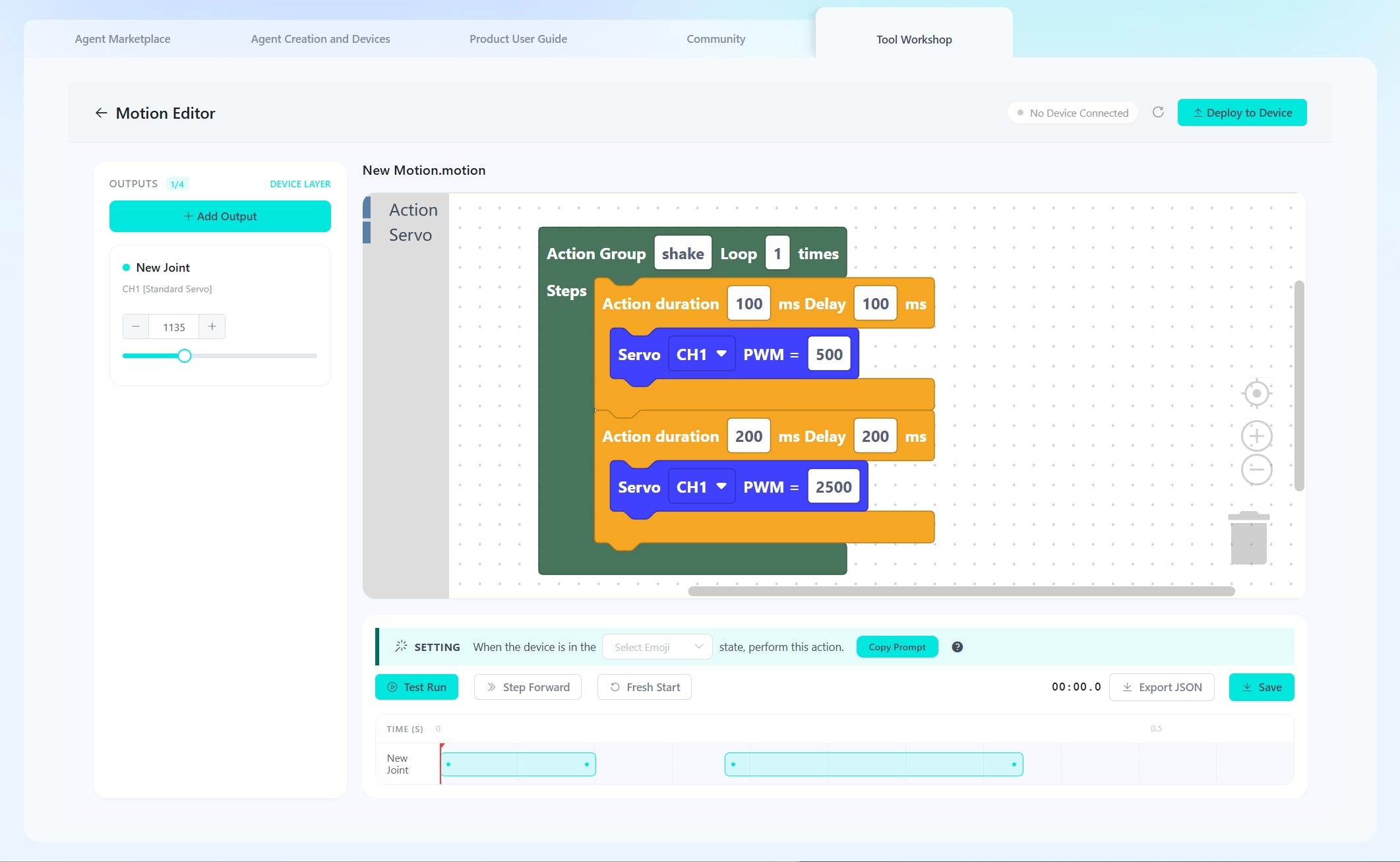
A nod, a tail wag, a little attitude. Build servo gestures in Moto Studio.
Up to four directly connected servo control channels. Add mechanics, wiring and suitable power; a custom body is optional.


Design. Save. Deploy.Create servo actions in the visual editor, keep them in your Motion Library, and deploy them to AIPI Lite. Set a device-state trigger, such as listening, or use a spoken Motion Group name to trigger a deployed action.
Read the official Moto Studio manual before connecting hardware. A community video may show additional mechanics or electronics.
Official manual ↗Six character voice ideas. Paid voice cloning is optional.
Grounded, warm tone.
Quick wit. Playful delivery.
Relaxed, conversational warmth.
Metallic voice. Mischievous mind.
Calm, measured delivery.
Warm, welcoming tone.
AI-generated character demos. Voice options on XDC may differ.

Voice · tone · rhythm

Identity · instructions · knowledge
Practical details for your next build.
No. You can create and configure a character on XDC, bind it to your AIPI Lite, and talk using the complete device. Wiring and mechanical work come in when you choose to build a custom body or add motion.
AIPI Lite includes the device, a battery module, and a quick start guide. The custom characters, shells, props, and servos shown in community builds are their creators’ projects and are not included with the device.
You can start on the Free plan. Paid plans are optional and include additional features such as voice cloning. Check the current plan details on XDC before choosing an upgrade.
No. Voice cloning changes how a character sounds. You set its personality, background, instructions, and knowledge separately. Clone only voices you have permission to use.
Yes. You can change the character assigned to your device through XDC. Each device runs one character at a time; this is a configuration change, not simultaneous characters.
AI conversation uses cloud services and requires Wi-Fi. Plan for an internet connection when your character needs to talk.
Use the character description and Knowledge Base to provide background, rules, and relevant information. Available context and memory have limits; a character may miss details or give an unexpected answer. Test your setup and refine the instructions.
Moto Studio supports up to four PWM servo control channels: IO40 → CH1, IO41 → CH2, RX → CH3, and TX → CH4. Create motion in the visual editor, save it, and deploy it to AIPI Lite. Use suitable external power and a common ground for multiple servos. The mechanism, wiring, and shell are part of your build.
Do not assume those features from a community video. A creator’s animation, linkage, or additional electronics are specific to that build. Plan around the documented motion controls and verify the behavior your project needs.
AIPI does not currently provide an official custom-firmware flashing workflow. For hardware projects, review the current interface documentation and wiring requirements before connecting a controller, servo, or other component.
The current Moto Studio workflow uses IO40, IO41, RX, and TX as four PWM outputs. The TX/RX labels do not mean a UART accessory works automatically with Moto. Sensor inputs, serial integrations, and custom firmware need their own verified implementation; check support for your project before wiring.
For projects that need current information. Explore the web-search skills available on XDC. Test freshness, sources and response time before using them in a demo.
Let your character reach more people. For an exhibit, classroom or public-facing project, test the intended language across speech recognition, model replies and your selected voice. Voice-cloning language support is separate; check the current options on XDC.
Explore the current options on XDC ↗| Processor | ESP32-S3 |
|---|---|
| Memory | 16MB flash · 8MB embedded PSRAM |
| Audio | Built-in microphone and speaker |
| Charging | via USB-C, 5V/1A |
| Back contacts | VBAT, GND, TX, RX, IO40, IO41. Check the current wiring documentation for your intended use. |
Use an appropriate supply for your servos and follow the documented grounding and wiring requirements. Do not connect motors or multiple servos directly to the device’s power rail.
Start talking. Keep tinkering. See where your character takes you.
US$3 off with code TINKER · One use per customer.
Device + battery. Start on Free. Voice cloning and other paid upgrades are optional.
Community characters, custom shells, and servos are not included.

